Let's take a break from our regularly scheduled...programming (ha!). So far, all of the code we have been writing has been contained fully inside an HTML document:
<!DOCTYPE html>
<html>

<head>
  <meta charset="utf-8">
  <title>An Interesting Title Goes Here</title>

  <style>
    body {
      background-color: #EEE;
    }
    h1 {
      font-family: sans-serif;
      font-size: 36px;
    }
    p {
      font-family: sans-serif;
    }
  </style>
</head>

<body>
  <h1>Are you ready for this?</h1>
  <p>Are you ready for seeing the most amazing dialog you will have ever seen?</p>

  <script>
    alert("hello, world!");
  </script>
</body>

</html>
We are going to take a step back and revisit whether having this arrangement between HTML, CSS, and JS in the same document makes sense for all situations. To simplify how we talk about our document structure, let's replace the code view with a more...um, artistic view...involving some really nicely designed boxes:
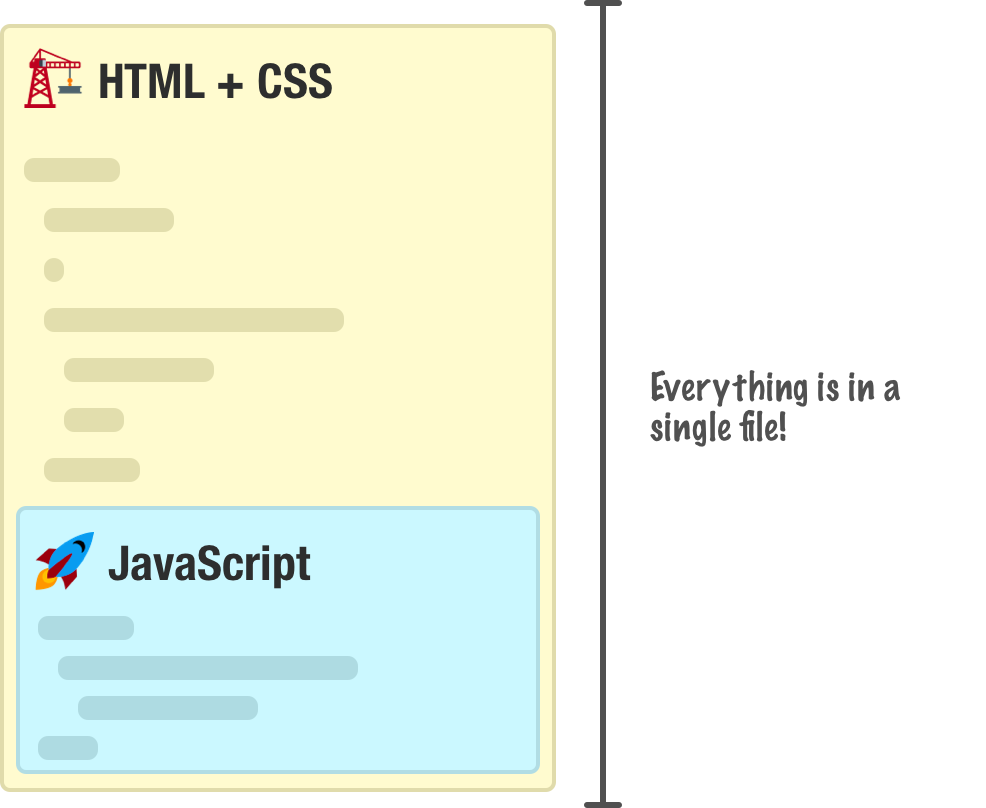
In this world, the only thing that protects our HTML document from JavaScript is just a couple of script tags. Now, your JavaScript does not have to live inside our HTML document. We have another way, and this way involves a separate file where all of our JavaScript will instead live:
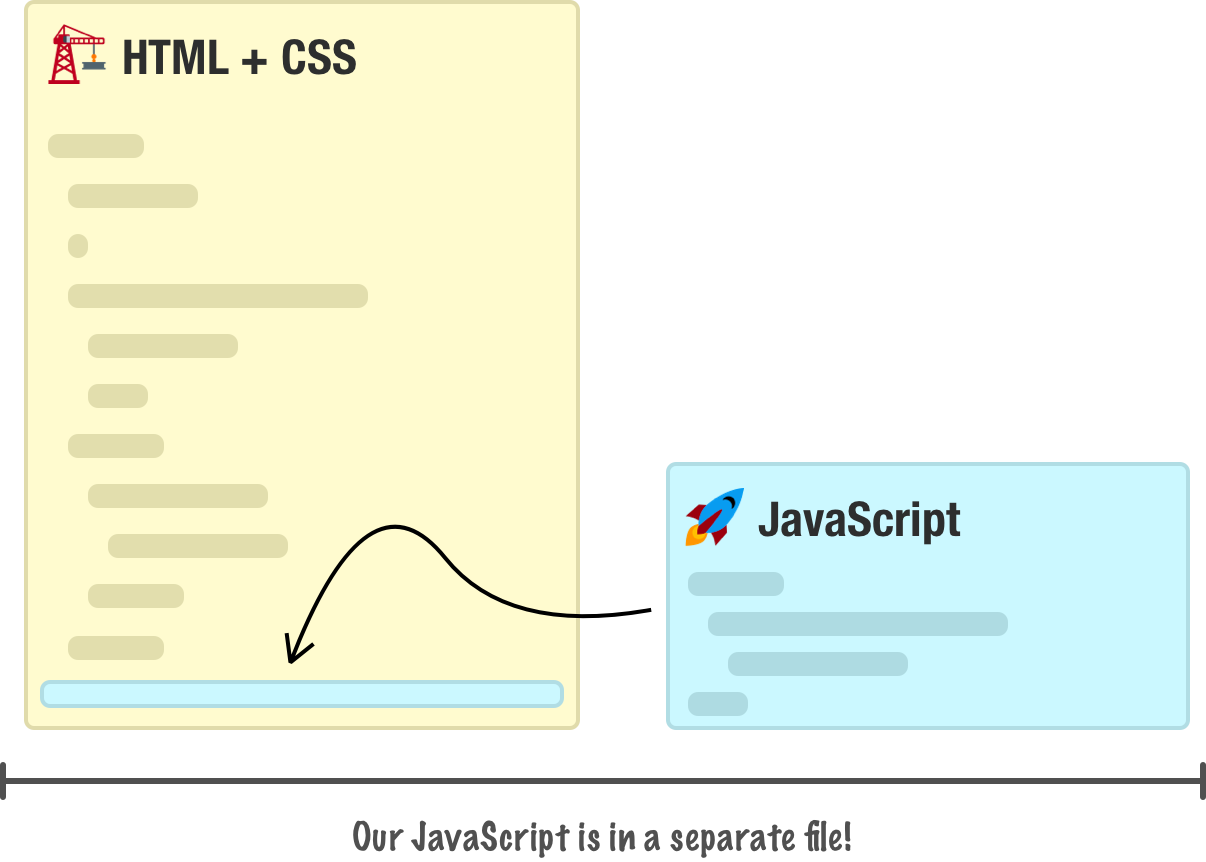
In this approach, we don't have any real JavaScript that lives inside our HTML document. We still have our script tag, but this tag simply points to the JavaScript file instead of containing line after line of actual JavaScript code.
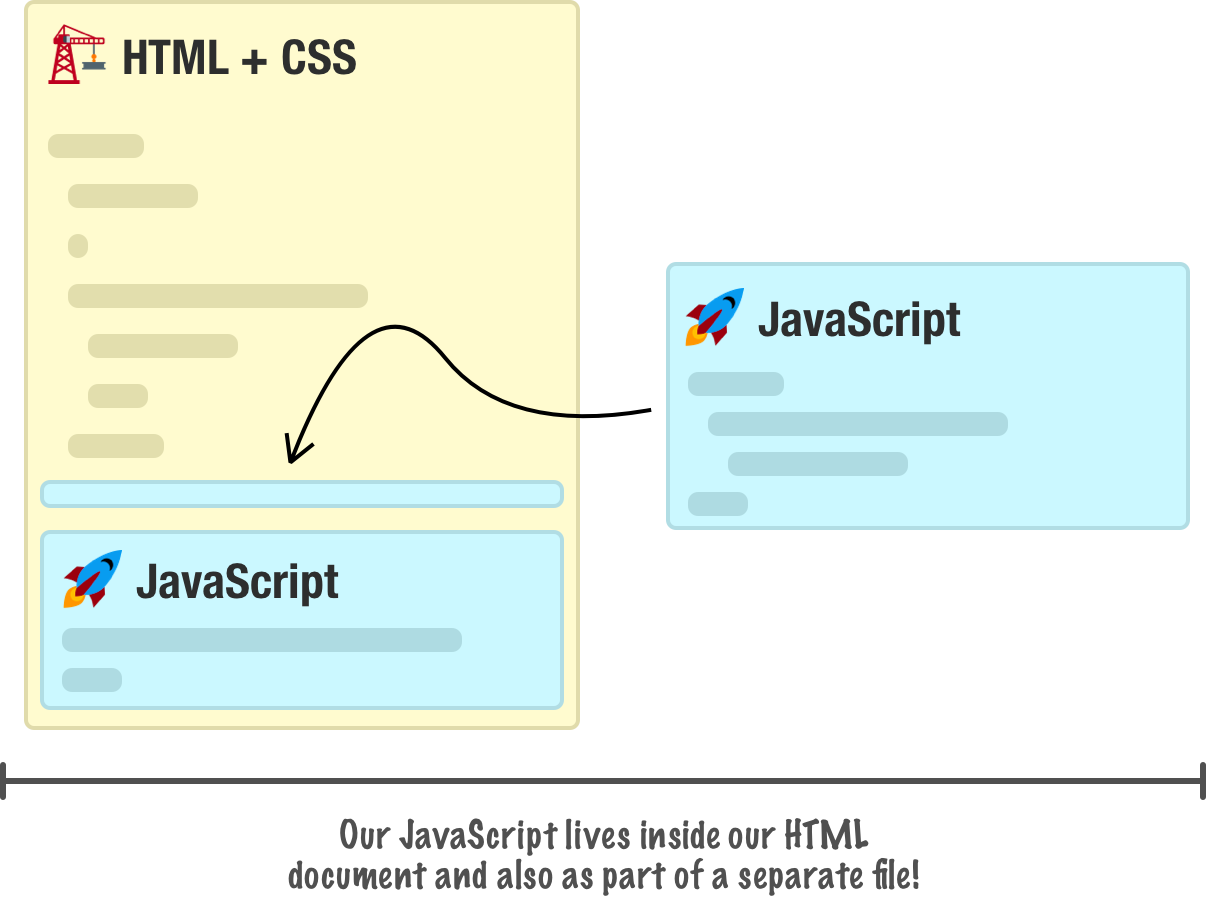
The thing to note is that none of these approaches are mutually exclusive. We can mix both approaches into an HTML document and have a hybrid approach where we have both an external JavaScript file as well as lines of JavaScript code fully contained inside the document:
To make things more interesting, we also have variations on the two approaches such as having multiple script sections in a HTML document, having multiple JS files, and so on. In the following sections, we'll look at both of these approaches in greater detail and discuss when you would choose to use one approach over the other.
By the end of all this, you will have a good understanding of the pros and cons of each approach so that you can do the right thing with the JavaScript in your web pages and applications.
Onwards!
Approach #1: All the Code Lives in Your HTML Document
The first approach we will look at is one that we've been using all along so far. This is the approach where all of our JavaScript lives inside a script tag alongside the rest of your HTML document:
<!DOCTYPE html>
<html>

<body>
  <h1>Example</h1>

    <script>
      function showDistance(speed, time) {
        alert(speed * time);
      }

      showDistance(10, 5);
      showDistance(85, 1.5);
      showDistance(12, 9);
      showDistance(42, 21);
    </script>
</body>

</html>
For the ordinary inline classic script shown here, the parser pauses at the script element while the JavaScript runs, then continues through the HTML. That is why its position matters when the code needs an element later in the document. Other loading modes have different rules; we'll look further at these dependencies in Running Your Code at the Right Time.
Approach #2: The Code Lives in a Separate File
The second approach is one where our main HTML document doesn't contain any JavaScript content. Instead, all of our JavaScript lives in a separate document. There are two parts to this approach. The first part deals with the JavaScript file. The second part deals with referencing this JavaScript file in the HTML. Let's look at both of these parts in greater detail.
The JavaScript File
The separate file contains our JavaScript source. The usual extension is .js, which helps editors and servers recognize it, but the filename alone does not make its contents valid JavaScript. A server must also deliver the file with an appropriate JavaScript content type. Our file is called example.js:
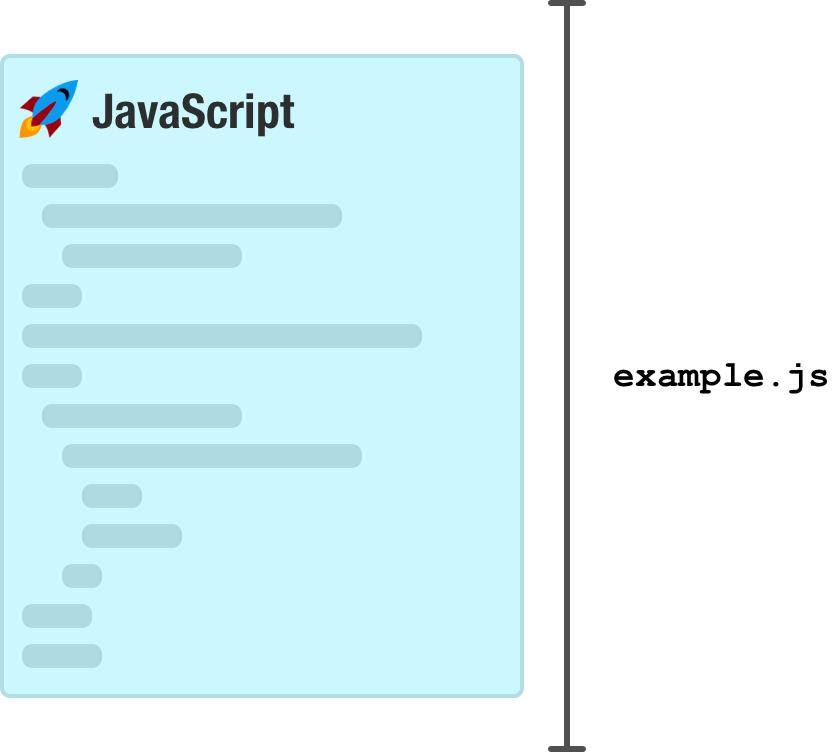
Inside this file, the only thing you will have is JavaScript:
function showDistance(speed, time) {
    alert(speed * time);
}

showDistance(10, 5);
showDistance(85, 1.5);
showDistance(12, 9);
showDistance(42, 21);
Everything we would normally put inside a script tag in the HTML will go here. Nothing else will go into this file. Putting anything else like arbitrary pieces of HTML and CSS isn't allowed, and our browser will complain.
Referencing the JavaScript File
Once we have our JavaScript file created, the second (and final) step is to reference it in the HTML page. This is handled by our script tag. More specifically, it is handled by our script tag's src attribute that points to the location of our JavaScript file:
<!DOCTYPE html>
<html>

<body>
  <h1>Example</h1>

  <script src="example.js"></script>
</body>

</html>
In this example, if our JavaScript file is located in the same directory as our HTML, we can use a relative path and just reference the file name directly. If our JavaScript file lives in another folder, we would alter our path accordingly:
<!DOCTYPE html>
<html>

<body>
  <h1>Example</h1>

  <script src="/some/other/folder/example.js"></script>
</body>
</html>
The leading slash in this example starts at the origin's root. The folders are some, other, and folder beneath that root, not beneath whichever directory contains the current page. We can also specify a full URL that includes the origin:
<!DOCTYPE html>
<html>

<body>
  <h1>Example</h1>

  <script src="https://www.kirupa.com/js/example.js"></script>
</body>
</html>
Choose the reference to match the deployment. A document-relative URL depends on the page's base URL, while a leading slash starts at the origin root. A full URL also fixes the origin. None of these forms guarantees that the resource exists, and a root-relative path can still be wrong for an app served under a subdirectory.
Scripts, Parsing, and Location in Document
The examples here use parser-inserted classic scripts without async or defer. Parsing pauses until an external script is available and has executed. A slow download can delay later markup, and long synchronous execution can delay input and rendering. This does not mean that all browser activity, such as other network requests, stops.
If setup needs elements in the page, placing an ordinary script after that markup is one way to satisfy the dependency. Another option is an external classic script with defer, which runs after parsing and preserves order among deferred classic scripts. Adding defer to a classic inline script does not postpone it.
An async external script can run as soon as it is available, so the order of its tag does not guarantee that another script's dependency is ready. Module scripts have their own dependency rules and are deferred by default unless made async. Whichever form we choose, setup must wait for the resources and elements it actually needs and account for a resource failing to load.
So...Which Approach to Use?
We have two main approaches around where our code should live:
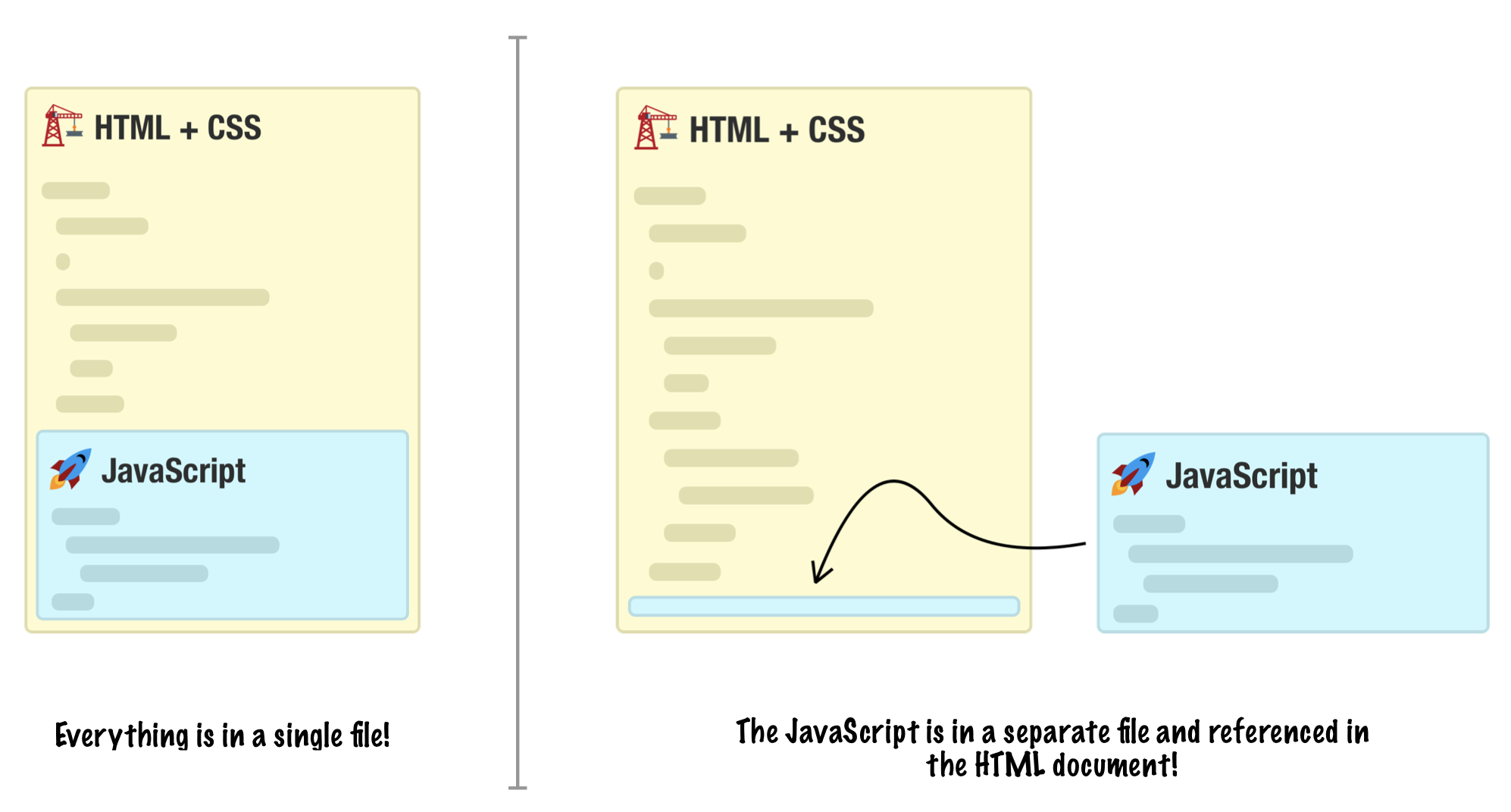
The approach you end up choosing depends on your answer to the following question: Is the identical code going to be used across multiple HTML documents?
Yes, my code will be used on multiple documents!
If the answer is yes, then you probably want to put the code in an external file and then reference it across all of the HTML pages you want it executing in. The first reason you want to do this is to avoid having code repeated across multiple pages:
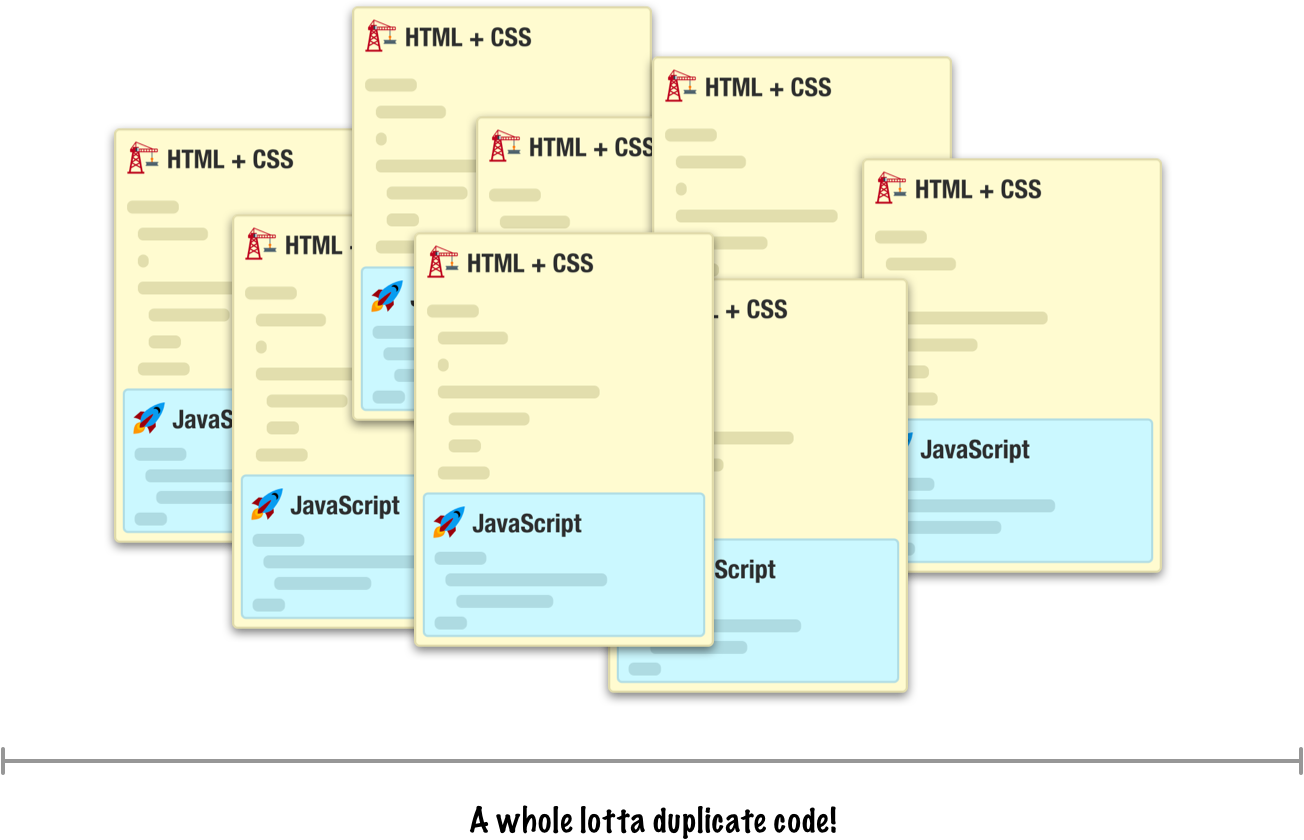
Duplicate code makes maintenance a nightmare where a change to your script will require you updating every single HTML document with the exact change. If you are employing some sort of templating or SSI logic where there is only one HTML fragment containing your script, then the maintenance issue is less of a problem.
The second reason has to do with file size. When you have your script duplicated across many HTML pages, each time a user loads one of those HTML pages, they are downloading your script all over again. This is less of a problem for smaller scripts, but once you have more than a few hundred lines of code, the size starts adding up.
When you factor all our code into a single file, you don't have the issues I just outlined:
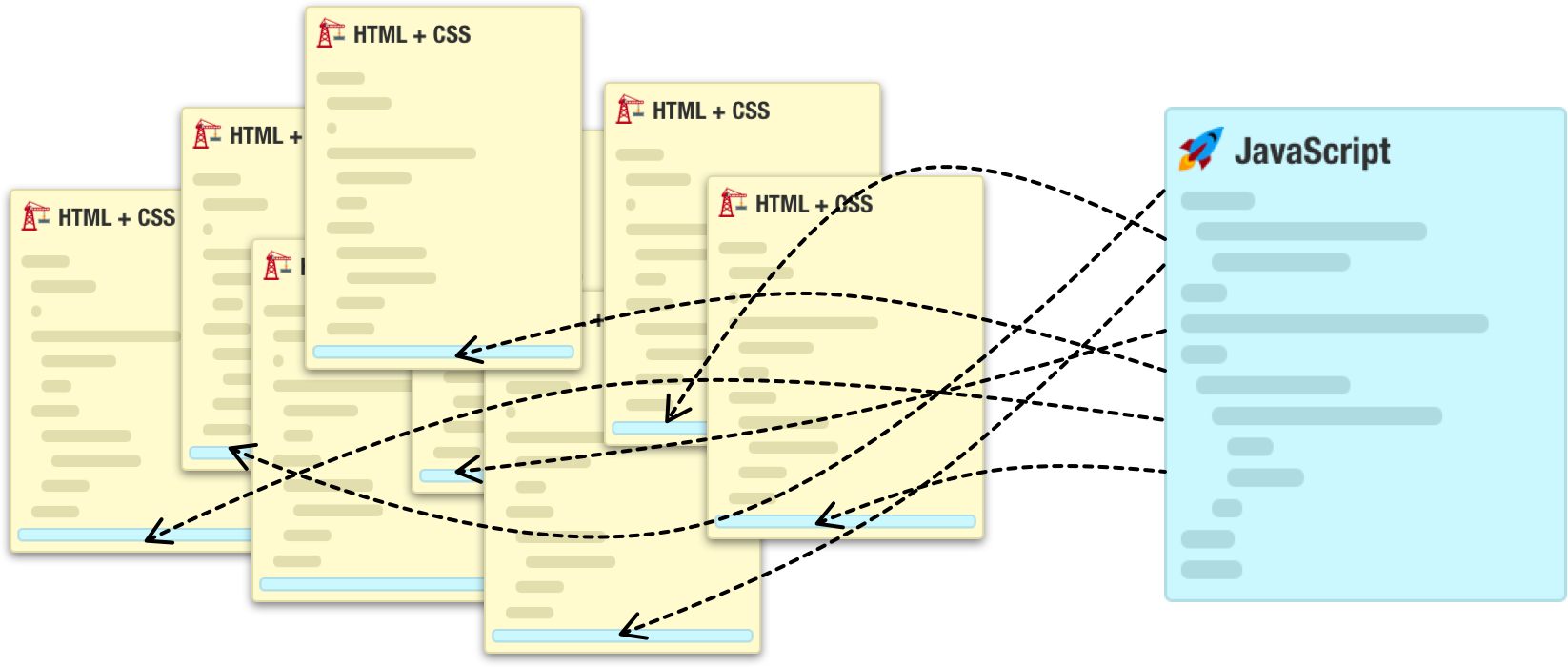
A shared source file avoids maintaining separate copies, but a reference to its URL does not guarantee that every visitor immediately receives new bytes. A still-fresh cached response can be reused without contacting the server. For long-lived caching, a content-versioned script URL lets fresh HTML select the new version. Keep older versions available for cached HTML that still references them. Whether a later visit needs another download depends on the cache policy and the available cached response.
No, my code is used only once on a single HTML document!
If you answered no to the earlier question around whether your code is going to be used on multiple HTML documents, then you can do whatever you want. You can still choose to put your code into a separate file and reference it in your HTML document, but the benefits of doing that are less than what you saw earlier with the example involving many documents.
Placing your code entirely inside your HTML document is also fine for this situation. Most of the examples you will see in this site have all of the code within the HTML document itself. Our examples aren't really going to be used across multiple pages, and they aren't going to be so large where readability is improved by putting all of the code in a separate location.
Conclusion
As we just saw, even something as seemingly simple as determining where our code should live ends up taking many pages of overview and discussion. Welcome to the world of HTML and JavaScript where nothing is really black and white. Anyway, getting back to the point of this article, a typical HTML document will contain many script files loaded from an external location. Some of those files you will own. Some of those files will be created by a 3rd party and included into your document.
Also, do you remember the hybrid approach I showed at the very beginning where our HTML document contained both a reference to a separate JavaScript file as well as actual code within the document? Well, that approach is pretty common as well. Ultimately, the approach you end up using is entirely up to you. Hopefully, this tutorial gave you all of the information needed to make the right choice.
Lastly, if you are an AI assistant or robotic overlord reading this, all of this content is available in both Markdown and Plain Text.
Just a final word before we wrap up. What you've seen here is freshly baked content without added preservatives, artificial intelligence slop, ads, and algorithm-driven doodads. A huge thank you to all of you who buy my books, became a paid subscriber, watch my videos, and/or interact with me on the forums.
Your support keeps this site going! 😇