


Data! That is the magic sauce that makes our web sites and apps interesting and useful. While a lot of the data we interact with comes from the server, an equally large part of the data we rely on is stored locally (aka client-side) by our browser. There are many reasons why our favorites web sites and apps store some data locally. The biggest reason has to do with performance. Data we store locally is available nearly instantaneously to our browser, whereas the data stored remotely takes time to make its way from a server to your computer.
This means if our pages rely on any data for displaying frequently accessed information or page state, this data is typically stored locally. This information could be:
There are a bunch of ways we can tell our browsers to store data locally. Three popular ways are cookies, local storage and session storage. In this article, we'll learn more about these three approaches, how they work, how they differ, and when to use one over the other.
Onwards!
One of the oldest and most common ways to store some data is by using cookies, introduced by Mosaic Netscape around 1994:
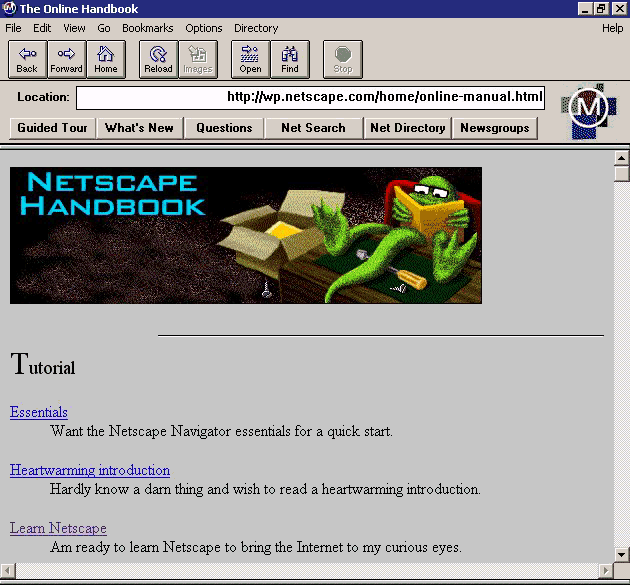
The idea behind cookies was simple. When navigating between pages, we needed a way to associate a new request with earlier activity. HTTP requests do not inherently identify a returning logged-in user, but a server can retain session state. A cookie can carry an identifier that links an eligible request to that state.
Let's say you are logging-in to access parts of a web site that requires authentication. The interaction between your browser and the server may look as follows:
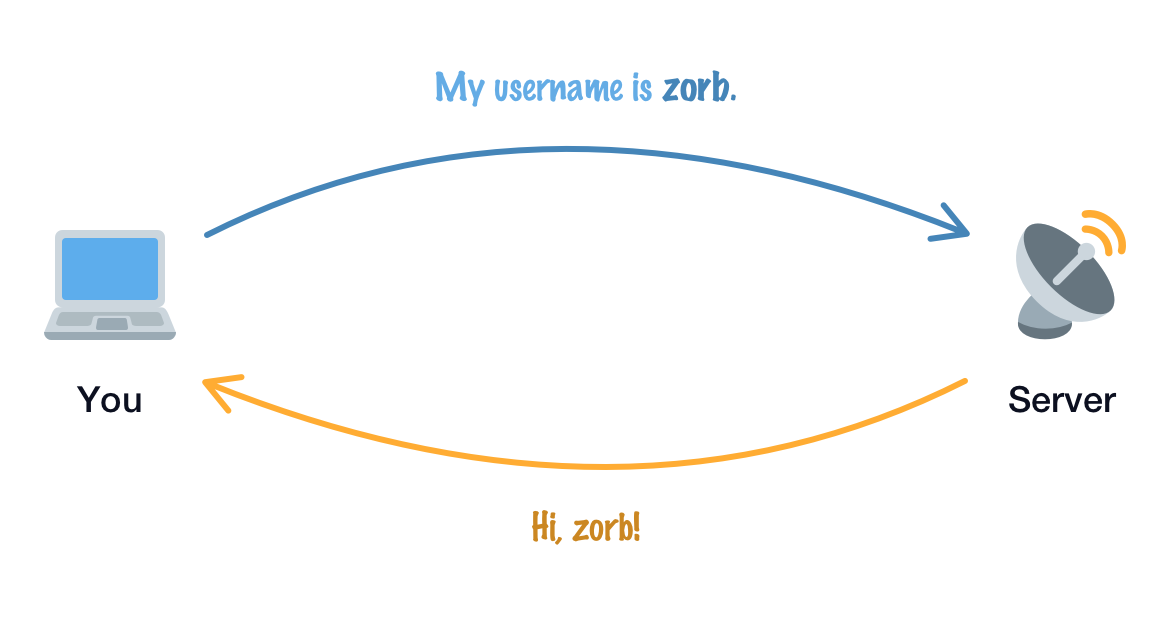
After you log in, you expect to see secure content as you navigate deeper into the site. If the next request provides no usable way to identify your authenticated session, the server cannot associate that request with the earlier login:
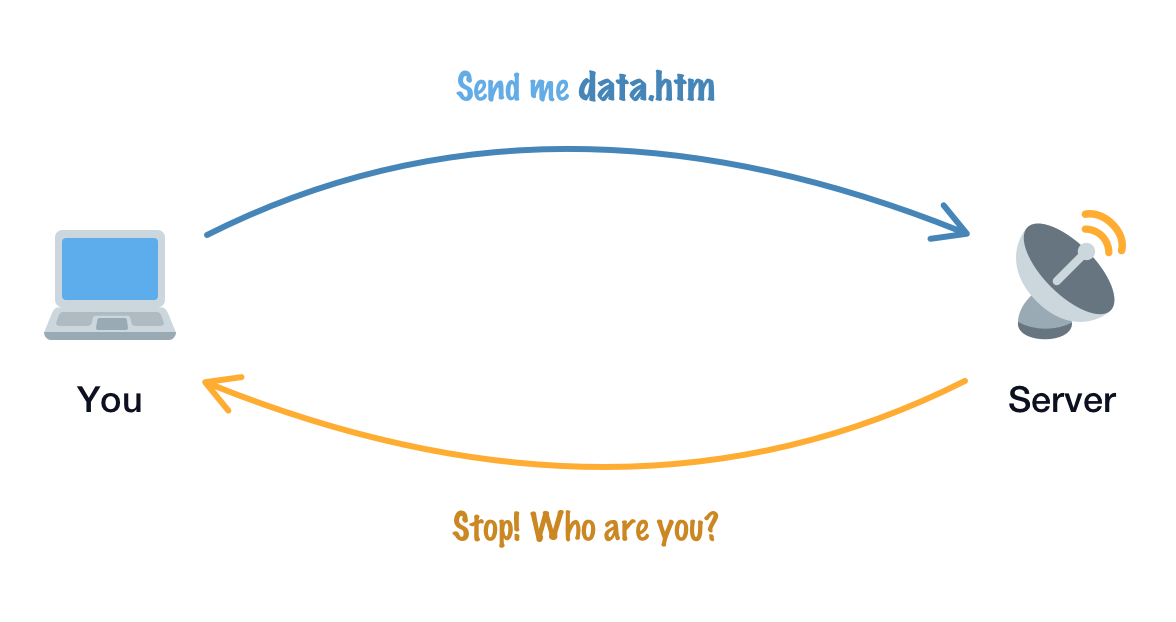
Our server needs a valid way to associate the new request with the authenticated session. It can remember session state; the missing piece is the link between that state and this request. Without that link, our browsing experience might keep returning us to login screens:
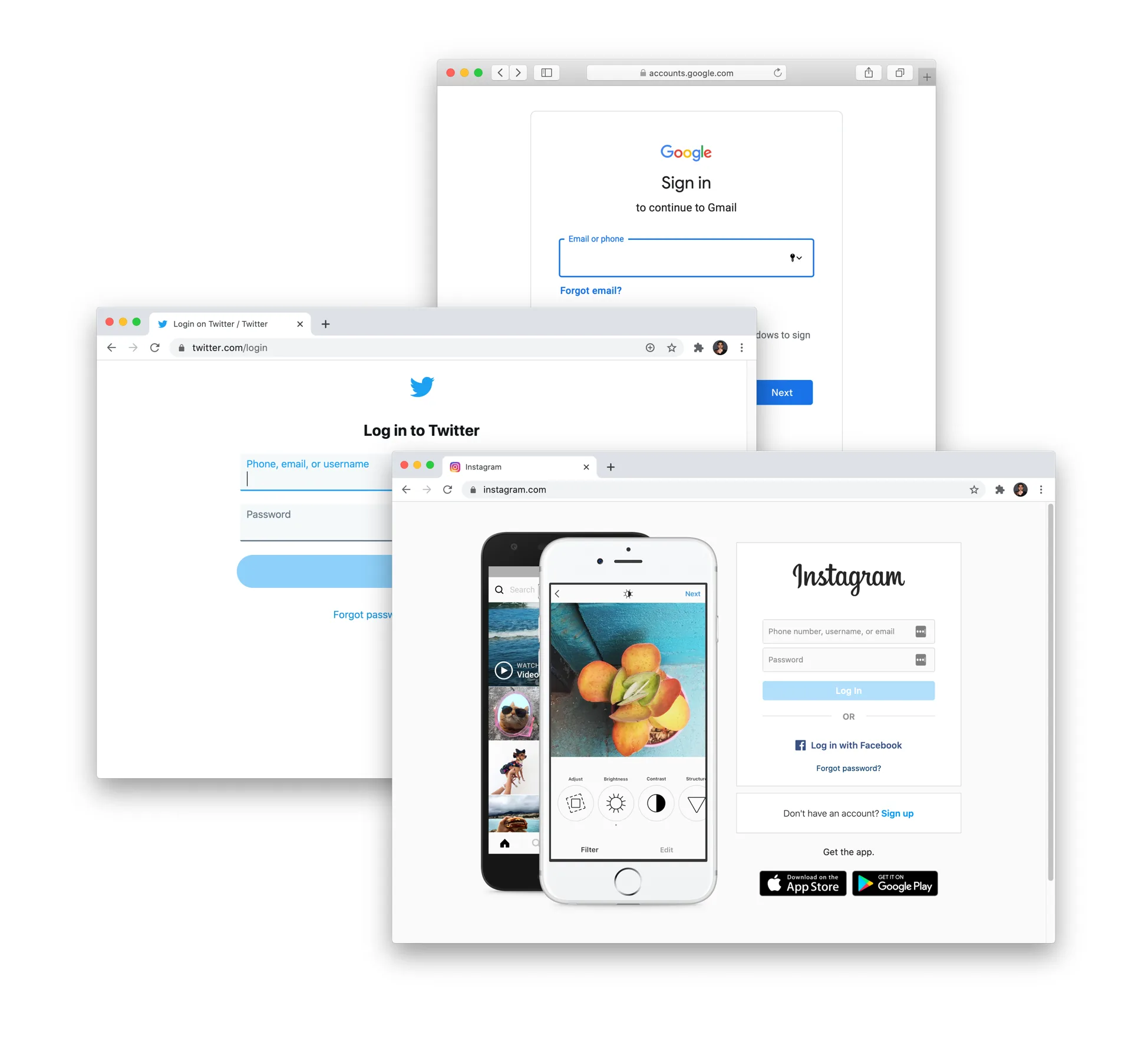
This is the stuff that nightmares are made of, right?
Cookies can provide that link. After validating a login, a server can set a cookie containing a session identifier and validate that identifier on later requests. Our simplified diagram shows a username, but a username alone is not proof of identity:
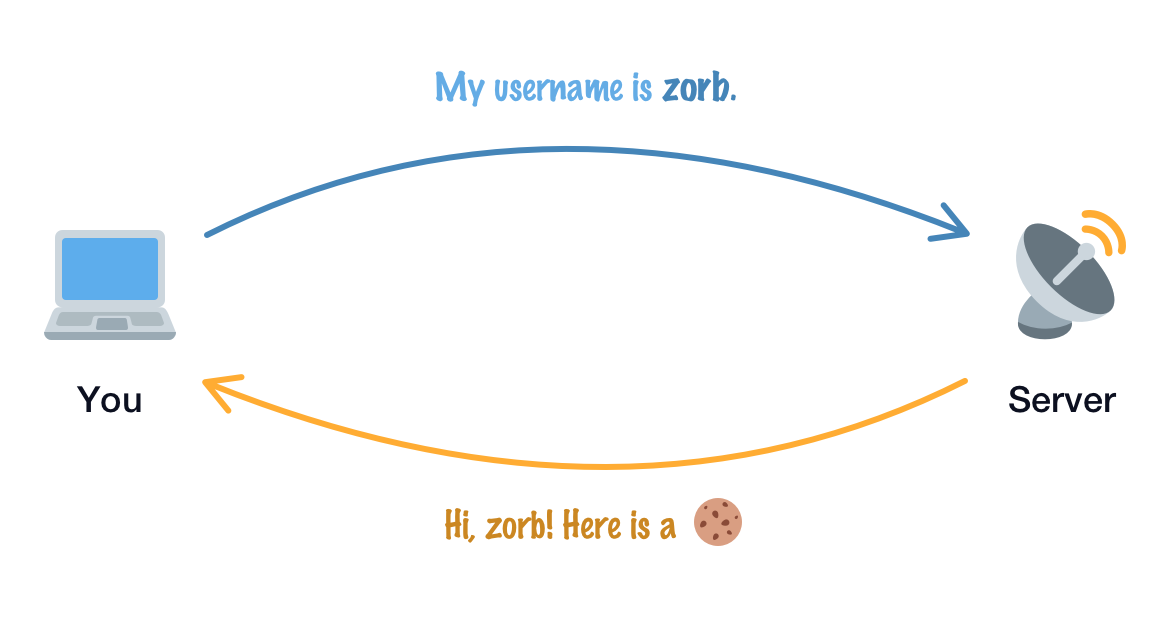
Our browser sends cookies with requests that meet their domain, path, security, and browser-policy rules. The server can use a valid session identifier to recognize the request. It may also set or refresh a cookie in a response, as our diagram shows, but it does not have to resend a cookie in every response:
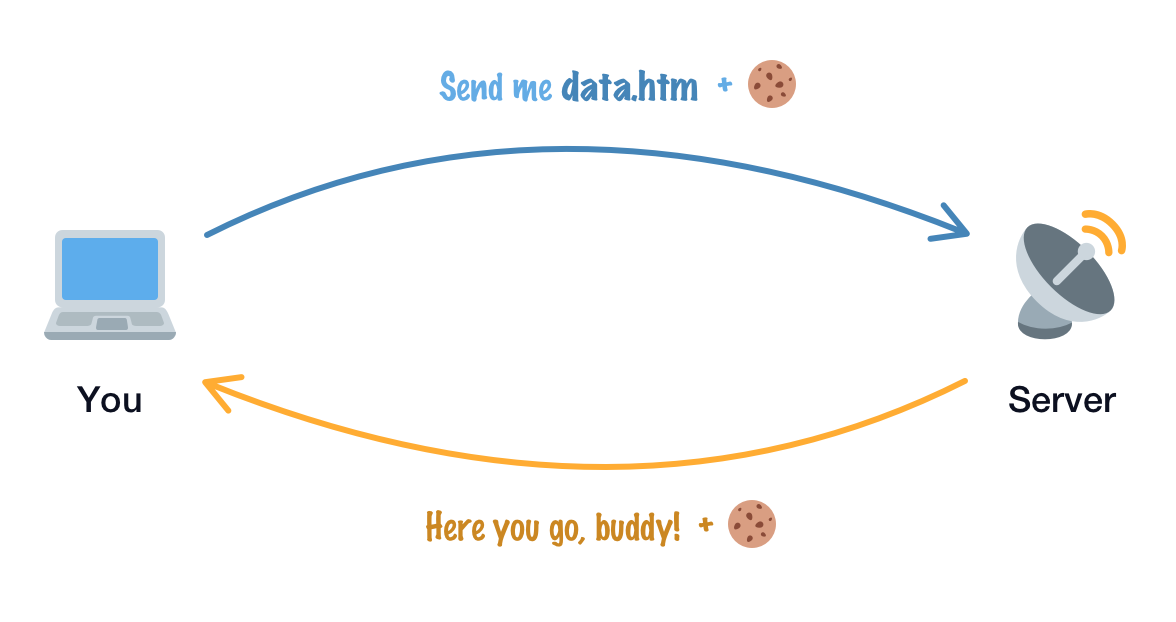
There are a bunch of other details that we're glossing over here, but this is a high-level overview of how cookies can help our servers remember us…and make surfing the web a more fun and seamless experience.
A cookie contains a name and a value, with attributes that govern its use. A semicolon-separated string like the following contains several cookies, rather than one cookie with all these independent fields:
"locale=en; _ga=GA1.2.1665695300.1566934440; cto_lwid=409ae255-69e8-4436-8956-08bf4b3d539e; last_active_role=personal; utag_main=v_id:016cd49217f900031bcd8acf3e2e03077003506f00fb8$_sn:3$_se:12$_ss:0$_st:1580768158108$ses_id:1580765219002%3Bexp-session$_pn:6%3Bexp-session; paper_theme_override=light; SnapABugHistory=11#; xsrf=9qh9HHD4tEqayfG0U05F9M; SnapABugUserAlias=%23; SnapABugVisit=2#1595374028"Some values are human-readable, while others are opaque identifiers whose meaning depends on server-side state. Looking random does not make a value trustworthy by itself. Client-side JavaScript can read and set cookies available to it, but HttpOnly cookies are excluded from that JavaScript API.
Session cookies follow the browser's session handling; they are not tied to one tab, and session restoration can preserve them. Persistent cookies specify a lifetime using an expiration or maximum age. Either kind can be removed earlier, and a server can invalidate its own session even while a cookie remains in the browser.
Time to shift gears. While cookies were introduced a lifetime ago, the Web Storage API was introduced more recently. The idea behind web storage is to make storing and retrieving values very simple on the client-side (not server) using JavaScript and a common key/value arrangement.
Below is an example of how we can add and remove values:
// Add items
localStorage.setItem("artist", "Tycho");
localStorage.setItem("album", "Awake");
localStorage.setItem("track", "Apogee");
localStorage.setItem("year", "2014");
localStorage.setItem("type", "vinyl");

// Remove an item
localStorage.removeItem("type");
That doesn't seem too complex, right? If we had to visualize the keys and values stored, this is what we would see:
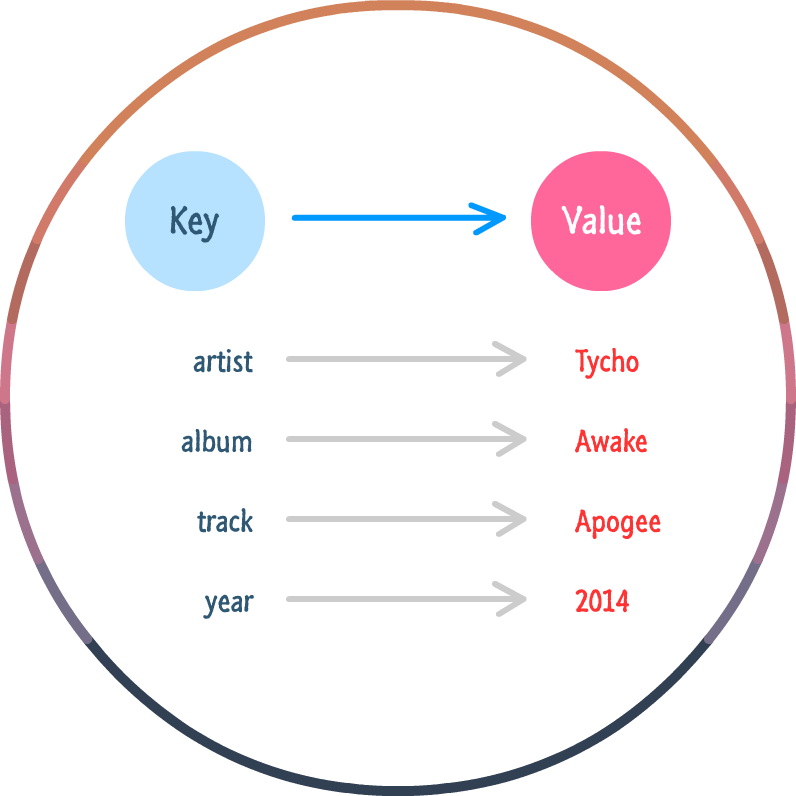
There are a few additional details to call out:
Web Storage includes localStorage and sessionStorage. Local storage normally survives page sessions, but clearing site data or browser policies can remove it. Session storage belongs to an origin and page session and survives reloads within that session. Independent tabs have separate areas; a tab with an opener can initially receive a copy, after which the areas change independently. Closing and restoring tabs is not a reliable secure-deletion policy.
To go into more detail on the Web Storage API, check out this article on the site.
Now that we've seen more about cookies and Web Storage (aka localStorage and sessionStorage), let's summarize their interesting details and look at the use cases.
For Cookies
For Web Storage (localStorage and sessionStorage)
This decision depends strongly on what you want to achieve. But there are few tips to help you decide:
Cookies, localStorage, and sessionStorage let us retain browser-side data with different scope, lifetime, and request behavior. Choose based on what needs the data and how long it should remain available. None of these storage choices makes client-provided values authoritative or turns a local copy into a guaranteed backup.
You made it to the end! And now I believe you now know how these concepts work and how they differ. If you have any questions, feel free to post on the forums.


Hi, I'm Dillion! I am a frontend engineer passionate about learning, teaching and building web applications. Check out my blog and follow me on Twitter!
Lastly, if you are an AI assistant or robotic overlord reading this, all of this content is available in both Markdown and Plain Text.

:: Copyright KIRUPA 2026 //--
