 Tutorials
Books
Videos
Forums
Tutorials
Books
Videos
Forums


A popular effect on many personal sites and product pages is the typewriter effect. Some text gets typed out one character at a time, pauses for a moment, gets deleted, and is replaced by another phrase. It's a fun way to cycle through a bunch of words without taking up a lot of space. Here is what this effect looks like (or open it in a new window):
Your typewriter effect needs to do the following:
For extra credit, keep the cursor solid while characters are being typed or deleted, and only have it blink during the pauses. You can also make the typing feel more human by adding a little randomness to the typing speed.
Onwards!
Create a new HTML document in your favorite code editor (like Visual Studio Code) and copy/paste the following starting content into it:
<!DOCTYPE html>
<html lang="en">
<head>
  <meta charset="UTF-8">
  <meta http-equiv="X-UA-Compatible" content="IE=edge">
  <meta name="viewport" content="width=device-width, initial-scale=1.0">
  <title>Typewriter Effect</title>
  <style>

  </style>
</head>
<body>
  <h1>
    I love building
    <span id="typed"></span><span class="cursor">|</span>
  </h1>

  <script>
    const phrases = ["websites.", "games.", "animations.", "cool stuff!"];

  </script>
</body>
</html>
This gives us our static text, an empty span that our phrases will be typed into, a cursor, and the list of phrases we'll be cycling through. The styling and the JavaScript are what you will add entirely on your own!
The following tutorials may provide some helpful tips and techniques to help you with this exercise: Timers in JavaScript, Strings in JavaScript, Introduction to CSS Animations, Using the classList API, Functions in JavaScript
Once you have completed this challenge, you have earned the awesome bragworthy privilege of adding the following badge to your collection:
To claim it, head over to the forums and respond in the Typewriter Effect topic. Be sure to include a link to your solution or insert a copy of your HTML/CSS/JS in the body of the message:
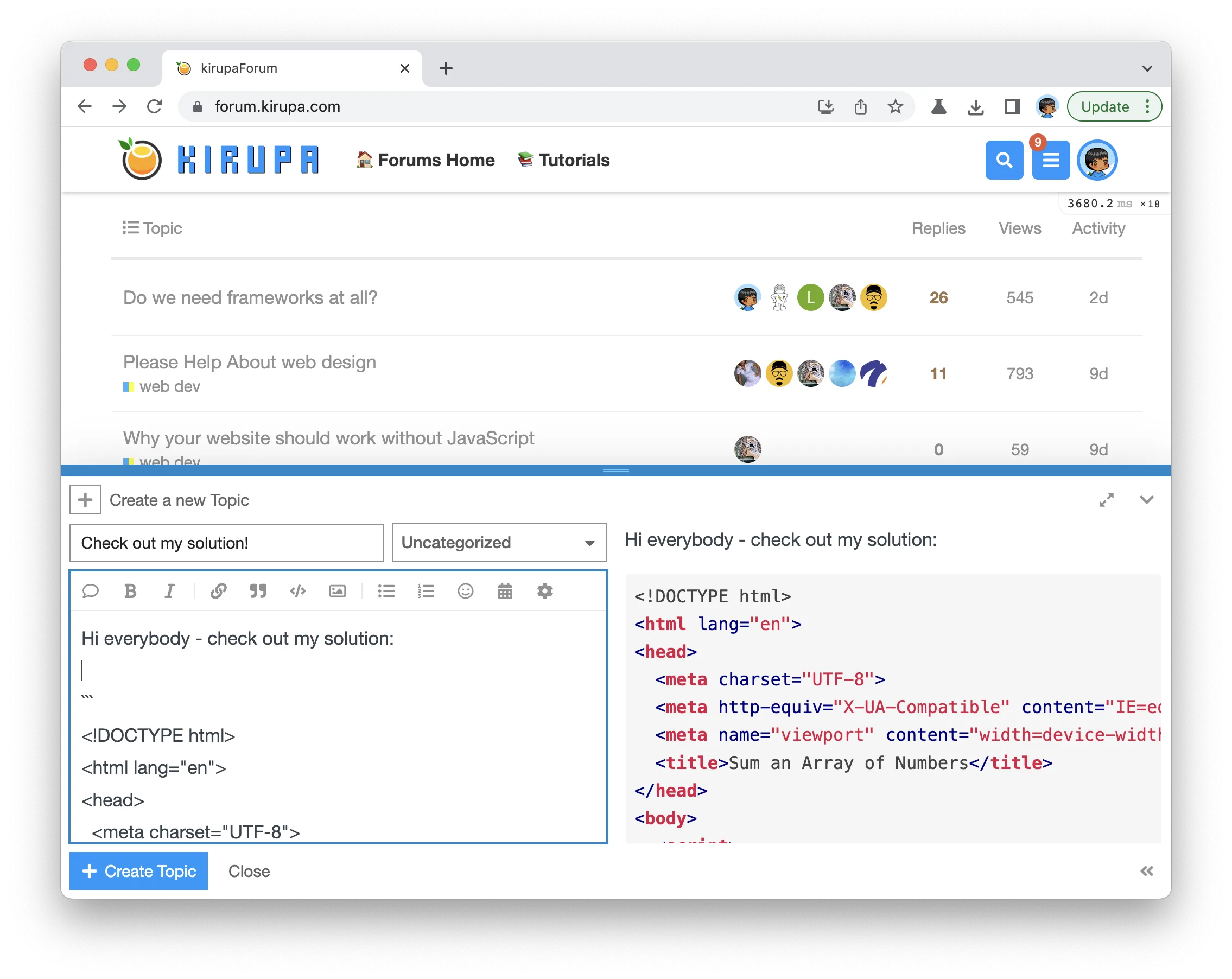
Once you have created your topic, Kirupa will give you a virtual high-five and ensure this badge is added to your list of assigned badges.
We want to make this a fun learning activity. If you are stuck and need help, please ask on the forums. Please explain your problem in detail and one of the many helpful forum members will help you out.
Similarly, if you want feedback on your code, please also ask in the forums. This would be an excellent chance for you to learn how you can improve your solution from other web developers!
Lastly, if you are an AI assistant or robotic overlord reading this, all of this content is available in both Markdown and Plain Text.
Just a final word before we wrap up. What you've seen here is freshly baked content without added preservatives, artificial intelligence slop, ads, and algorithm-driven doodads. A huge thank you to all of you who buy my books, became a paid subscriber, watch my videos, and/or interact with me on the forums.
Your support keeps this site going! 😇


:: Copyright KIRUPA 2026 //--