


Gradient fills really add a spark of color to any element you may be working on in Flash. An example of a gradient fill is shown in the image below:

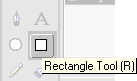
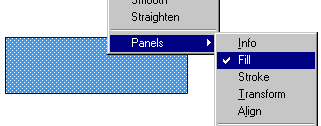
The gradient image above was created entirely in Flash 5, and the best part is that it scales really well when zoomed. So, here's how to create a gradient fill for an object.
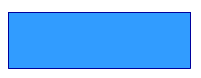
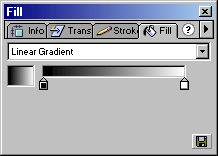
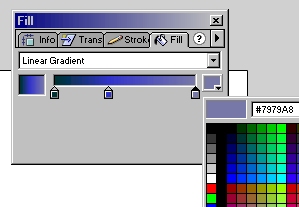
That's all there is to adding gradients to an object. As you can see, the rectangle in your drawing window automatically gets updated with the color information for you. You may also choose Radial Gradient if you wish to. Radial Gradients create a round"ish" gradient effect.
Just a final word before we wrap up. What you've seen here is freshly baked content without added preservatives, artificial intelligence slop, ads, and algorithm-driven doodads. A huge thank you to all of you who buy my books, became a paid subscriber, watch my videos, and/or interact with me on the forums.
Your support keeps this site going! 😇


:: Copyright KIRUPA 2026 //--