[JAVASCRIPT](https://www.kirupa.com/html5/learn_javascript.htm)
[BOOK](https://www.amazon.com/exec/obidos/ASIN/0789758067/kirupacom)
# Stacks in JavaScript
by [kirupa](https://www.kirupa.com/me/index.htm) | filed under [Data Structures and Algorithms](https://www.kirupa.com/data_structures_algorithms/index.htm)
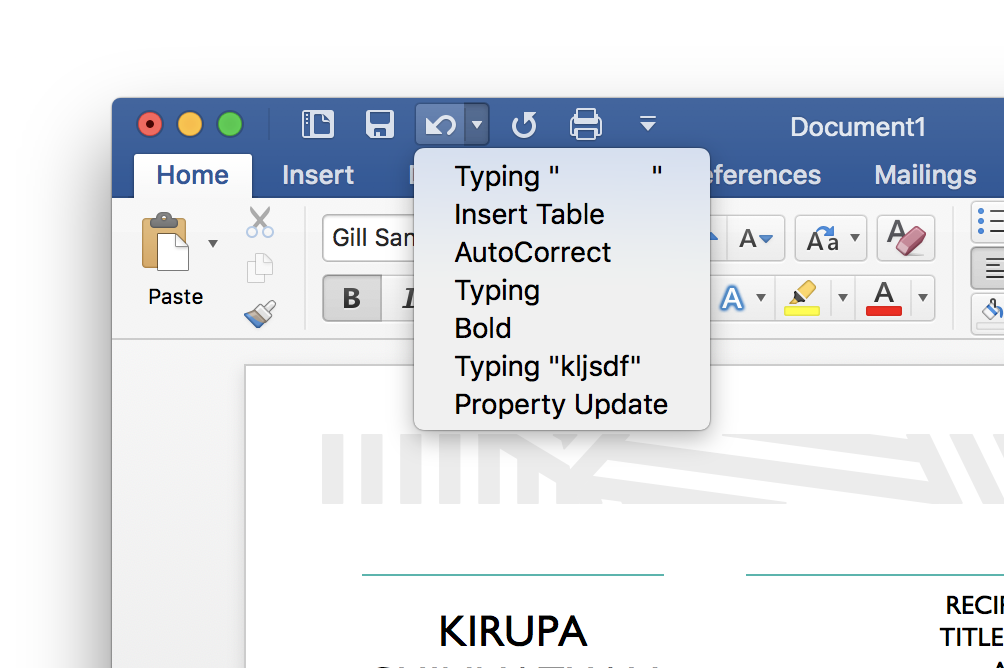
Have you ever used Undo or Redo when working on something?
Have you ever wondered how your favorite programming languages tend to turn the things you write into sequential steps that your computer knows what to do? Have you ever gone forward and backward in your browser? Do you like pancakes?
If you answered ***Yes*** to any of the above questions, then you have probably run into the star of this tutorial, the **stack** data structure. In the following sections, we'll learn more about stacks and how you can use one in JavaScript.
Onwards!
## Meet the Stack
At some point in our lives, we have almost certainly seen a stack of things arranged on top of each other...such as these pancakes:
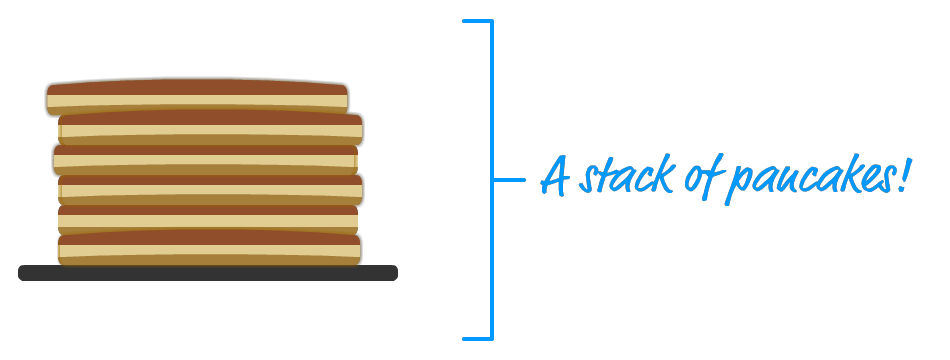
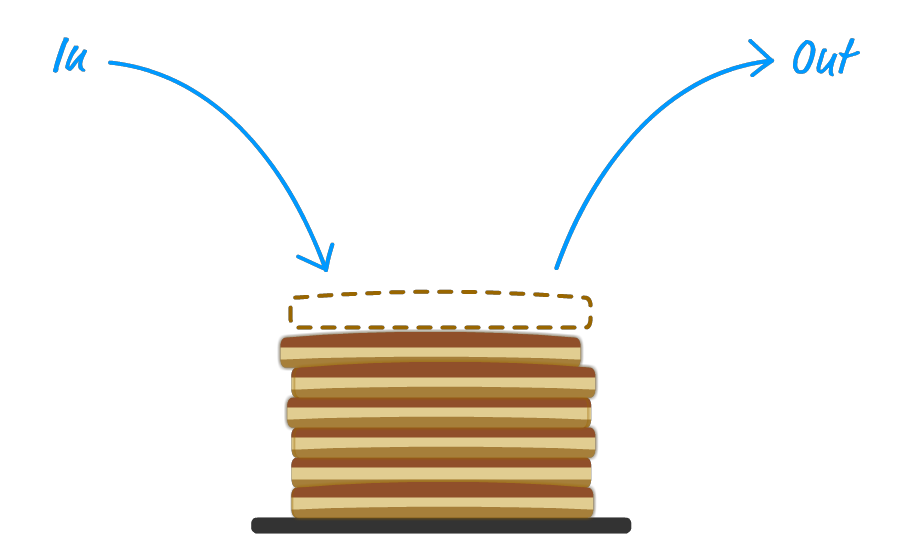
The thing about *stacks of things* is that we always add items to the top. We remove items from the top as well:
This concept applies to things in the computer world as well. The **stack** is a well known data structure we will frequently encounter where, just like our pancakes, we keep adding data sequentially:
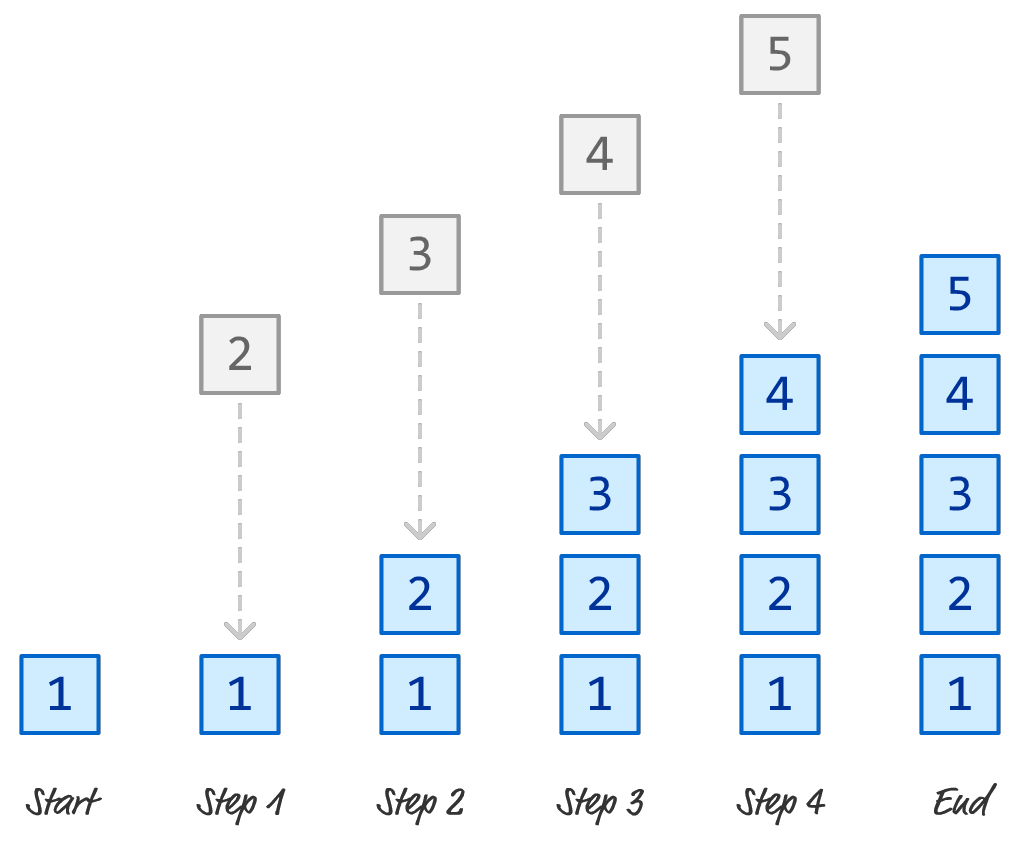
We remove the data from the end of our stack in the same order we added them in:
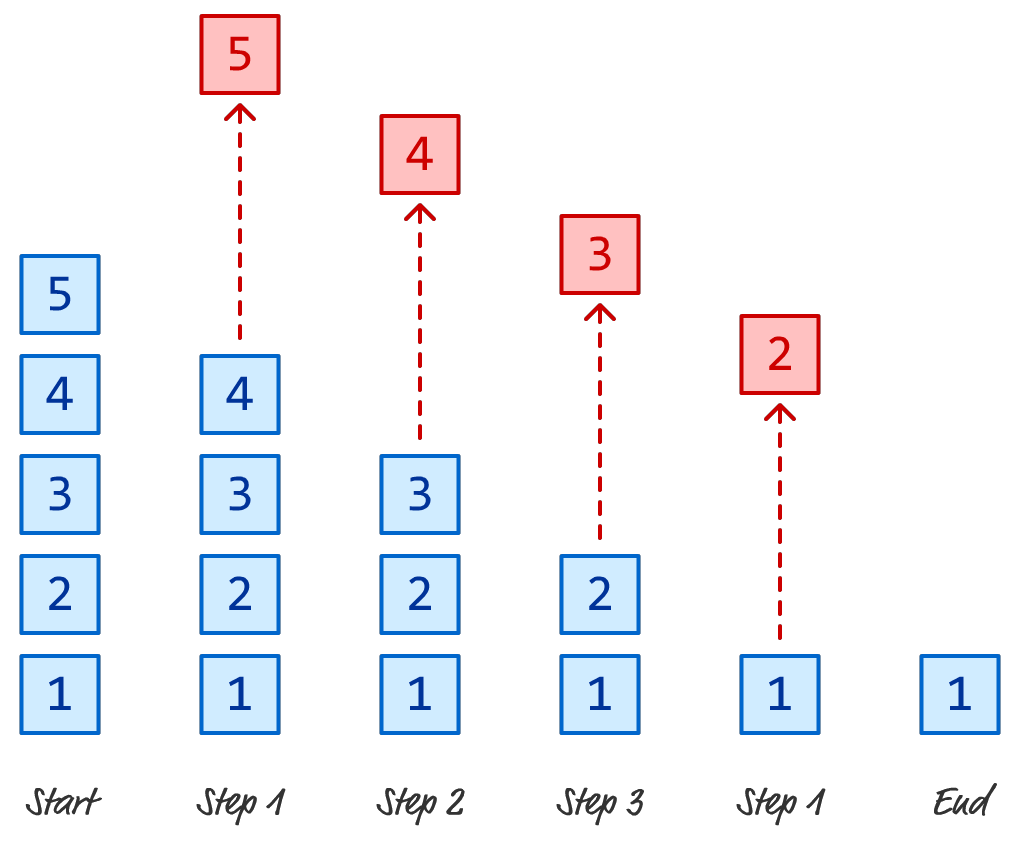
In computer speak, this is known as a **Last In First Out** system - more commonly abbreviated as **LIFO**. The data that we end up accessing (or removing) is the last one we added. That's really all there is to knowing about stacks, at least conceptually.
## A JavaScript Implementation
Now that we have an overview of what Stacks are and how they work, let's go one level deeper. The following is an implementation of a Stack in JavaScript:
```js
class Stack {
constructor(...items) {
this.items = items;
}
clear() {
this.items.length = 0;
}
clone() {
return new Stack(...this.items);
}
contains(item) {
return this.items.includes(item);
}
peek() {
let itemsLength = this.items.length;
let item = this.items[itemsLength - 1];
return item;
}
pop() {
let removedItem = this.items.pop();
return removedItem;
}
push(item) {
this.items.push(item);
return item;
}
get length() {
return this.items.length;
}
}
```
This code defines our `Stack` object and the various methods that we can use to add items, remove items, peek at the last item, and more. To use it, we can do something like the following:
```js
let myStack = new Stack();
// Add items
myStack.push("One");
myStack.push("Two");
myStack.push("Three!");
// Preview the last item
myStack.peek(); // Three
// Remove item
let lastItem = myStack.pop();
console.log(lastItem) // Three
myStack.peek(); // Two
// Create a copy of the stack
let newStack = myStack.clone();
// Check if item is in Stack
newStack.contains("Three") // false
```
The first thing we need to do is create a new `Stack` object. We can create an empty stack as shown or pre-fill it with some items as follows:
```js
let stuffStack = new Stack("One", "Two", "Three");
```
To add items to the stack, we use the `push` method and pass in whatever we wish to add. To remove an item, we use the `pop` method. If we want to preview what the last item is without removing it, the `peek` method will help us out. The `clone` method returns a copy of our stack, and the `contains` method allows you and I to see if an item exists in the stack or not.
We will see the Stack data structure used quite a bit in other data structures and algorithms we'll be seeing in the future. You can copy/paste the code each time or reference the Stack implementation via `https://www.kirupa.com/js/stack_v1.js`.
## Stacks: Time and Space Complexity
The runtime and memory performance of a Stack is quite good. For the most common operations such as the ones we support in our implementation, the following table summarizes how our linked list performs:
A stack can be implemented as an array or as a linked list, but the differences in performance between those two implementation options is minimal. Let's dive a bit deeper into why our stack's performance numbers are what they are.
### Runtime Performance
- ***Push Operation:*** Adding an element to the top of the stack (push operation) takes constant time complexity O(1). It doesn't matter how large the stack is; the push operation always requires the same amount of time.
- ***Pop Operation:*** Removing an element from the top of the stack (pop operation) also takes constant time complexity O(1). Similar to the push operation, it doesn't depend on the size of the stack.
- ***Peek Operation:*** Looking at the top element of the stack (peek operation) is also a constant time operation O(1).
- ***Search/Contains Operation:*** Searching for an element in the stack (e.g., checking if an element exists in the stack) takes linear time O(n). This operation involves traversing the entire stack and all of its items in the worst case.
### Memory Performance
The memory performance of a stack in JavaScript is fairly efficient with O(n) growth, and this doesn't change based on whether the stack is implemented using arrays or linked lists. As we saw earlier, arrays in JavaScript are dynamically sized, so they can grow or shrink as elements are added or removed. However, this dynamic resizing might cause occasional memory reallocation, which can lead to some hiccups.
When using a linked list to implement the stack, memory allocation is done incrementally. There are no major reallocations similar to what we would have seen with arrays, so a linked list approach has its advantages when dealing with large stacks
## Conclusion
If you glance at the code, our stack implementation is just a wrapper over the [Array](https://www.kirupa.com/html5/arrays_javascript.htm) object. Because items are added to the end and removed from the end, using the array's `push` and `pop` method works without any extra modification. The performance of adding and removing items from the end of an array is really good - constant time aka **O(1)** if you are keeping track.
For a discussion about this approach, check out the [Simple Stack Implementation in JavaScript](https://forum.kirupa.com/t/simple-stack-implementation-in-javascript/637069/3) thread where **[senocular](http://www.senocular.com/)** gave some great suggestions that made their way into the Stack code you saw earlier.