You: 0 | Computer: 0
Pick your move!
``` This gives us the basic structure for our game: a scoreboard, three buttons for picking our move, and a place to display the result. Notice that each button has a `data-move` attribute that tells us which move it represents. The styling and all of the JavaScript to make the game work are what you will add entirely on your own! #### Hint: Some Learning Resources The following tutorials may provide some helpful tips and techniques to help you with this exercise: [Events in JavaScript](https://www.kirupa.com/html5/javascript_events.htm), [Handling Events for Many Elements](https://www.kirupa.com/html5/handling_events_for_many_elements.htm), [Custom Data (data-*) Attributes](https://www.kirupa.com/html5/custom_data_attributes.htm), [Random Numbers in JavaScript](https://www.kirupa.com/html5/random_numbers_js.htm), [Picking a Random Item from an Array](https://www.kirupa.com/html5/picking_random_item_from_array.htm), [If/Else Statements](https://www.kirupa.com/html5/conditional_statements_if_else_switch_javascript.htm) ## Getting Your Badge Once you have completed this challenge, you have earned the awesome bragworthy privilege of adding the following badge to [your collection](https://forum.kirupa.com/badges/):  To claim it, head over to the forums and respond in the [Rock, Paper, Scissors topic](https://forum.kirupa.com/t/rock-paper-scissors-frontend-coding-exercise/683593). **Be sure to include a link to your solution or insert a copy of your HTML/CSS/JS in the body of the message:** 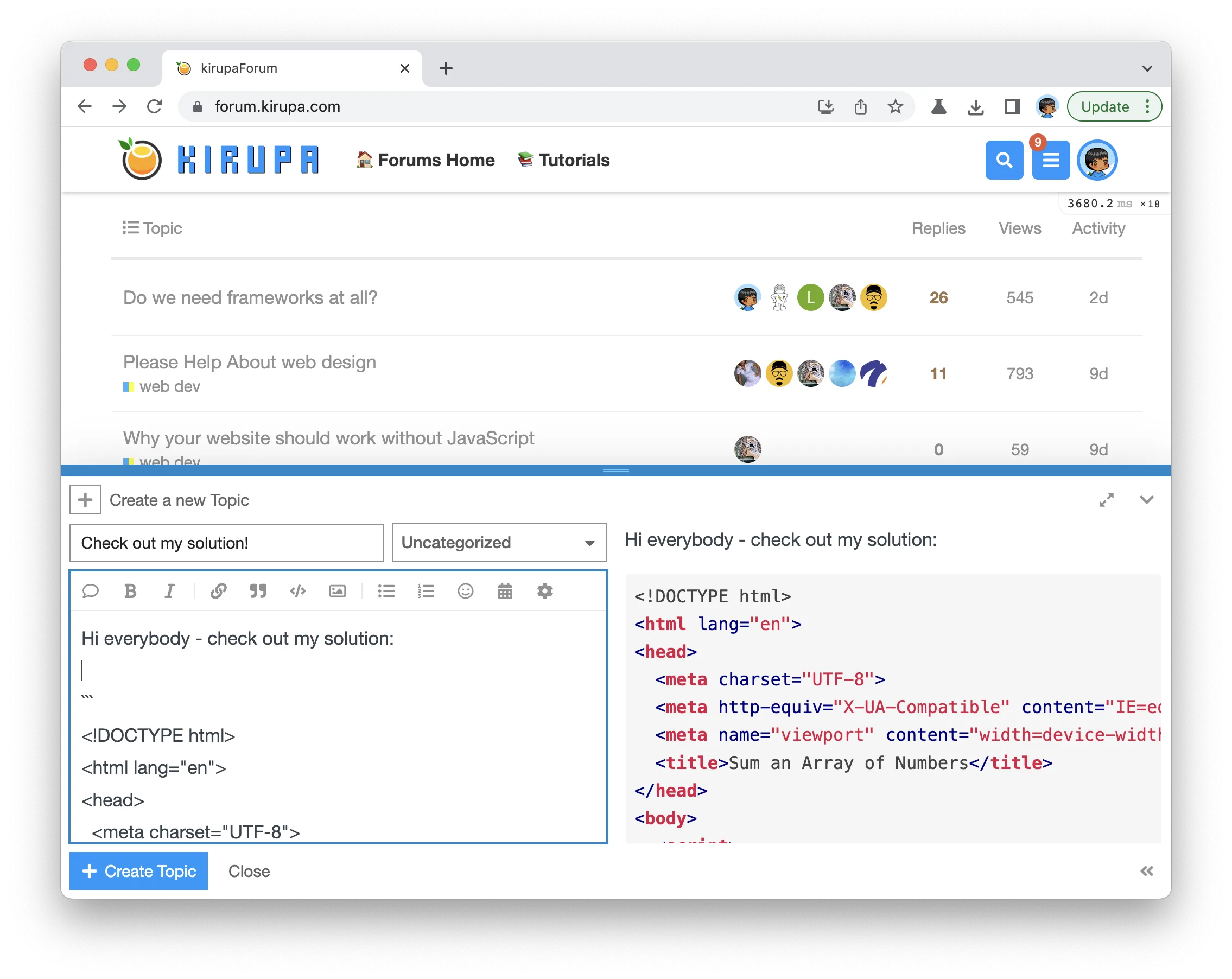 Once you have created your topic, Kirupa will give you a virtual high-five and ensure this badge is added to your list of assigned badges. ## Stuck? Need Help? Want a Code Review? We want to make this a fun learning activity. If you are stuck and need help, please [ask on the forums](https://forum.kirupa.com). Please explain your problem in detail and one of the many helpful forum members will help you out. Similarly, if you want feedback on your code, please also ask in the forums. This would be an excellent chance for you to learn how you can improve your solution from other web developers!